

Create a new project
Only users with organization admin permissions can create new projects.
settings —> project management —> create new project.
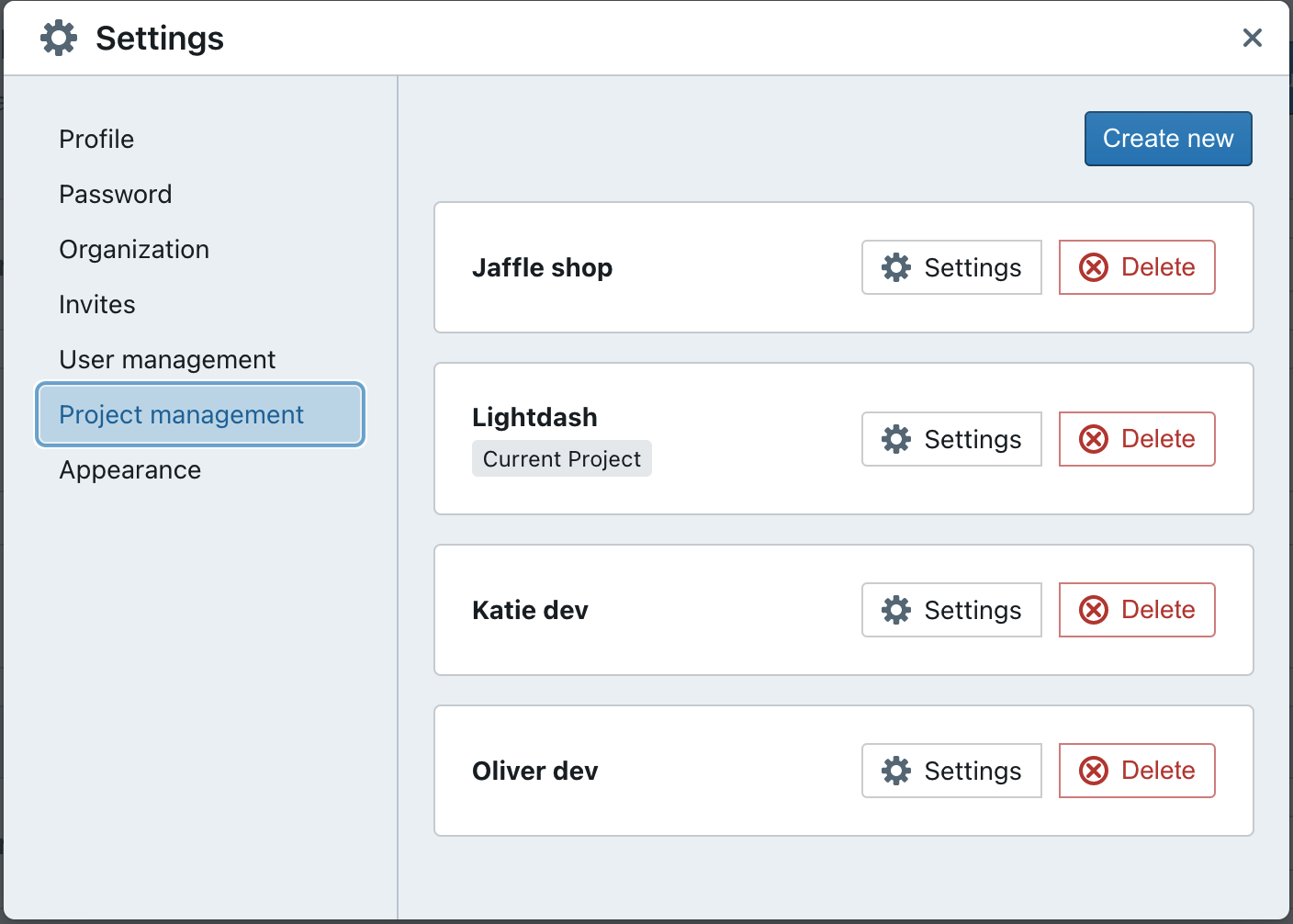
Set up the dbt + warehouse connection
You’ll need to define the dbt and warehouse connections for your new project. Not sure what it all means? Don’t worry, we’ve written a step-by-step guide that will help you out.Easily switch between projects
Once you’ve got multiple projects set up, you can easily switch through the projects in your organization using the drop-down list in the top corner of your screen.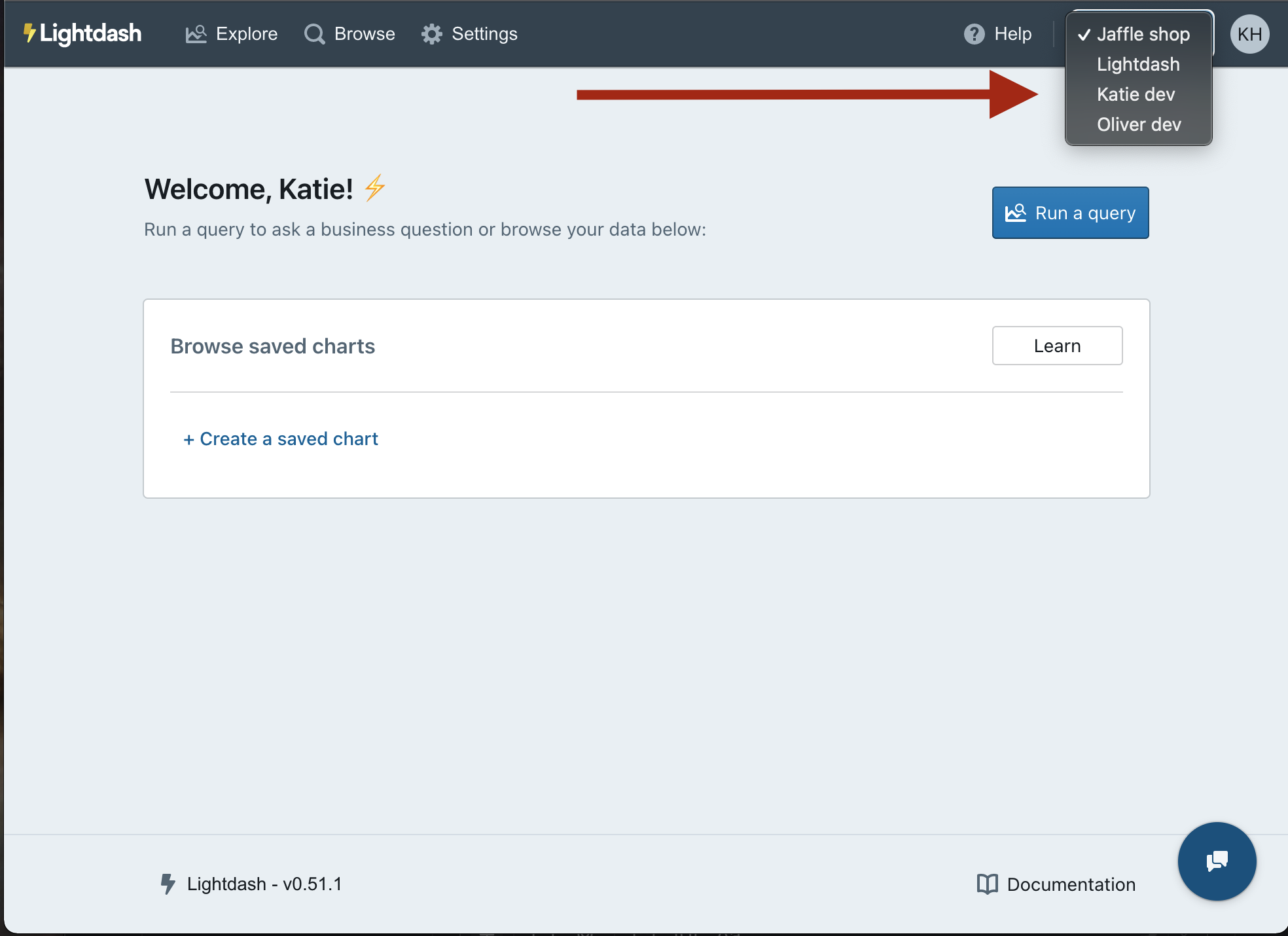
Go to the project management settings to delete a project
Don’t need a project anymore? That’s okay - you can easily delete a project in the project settings space.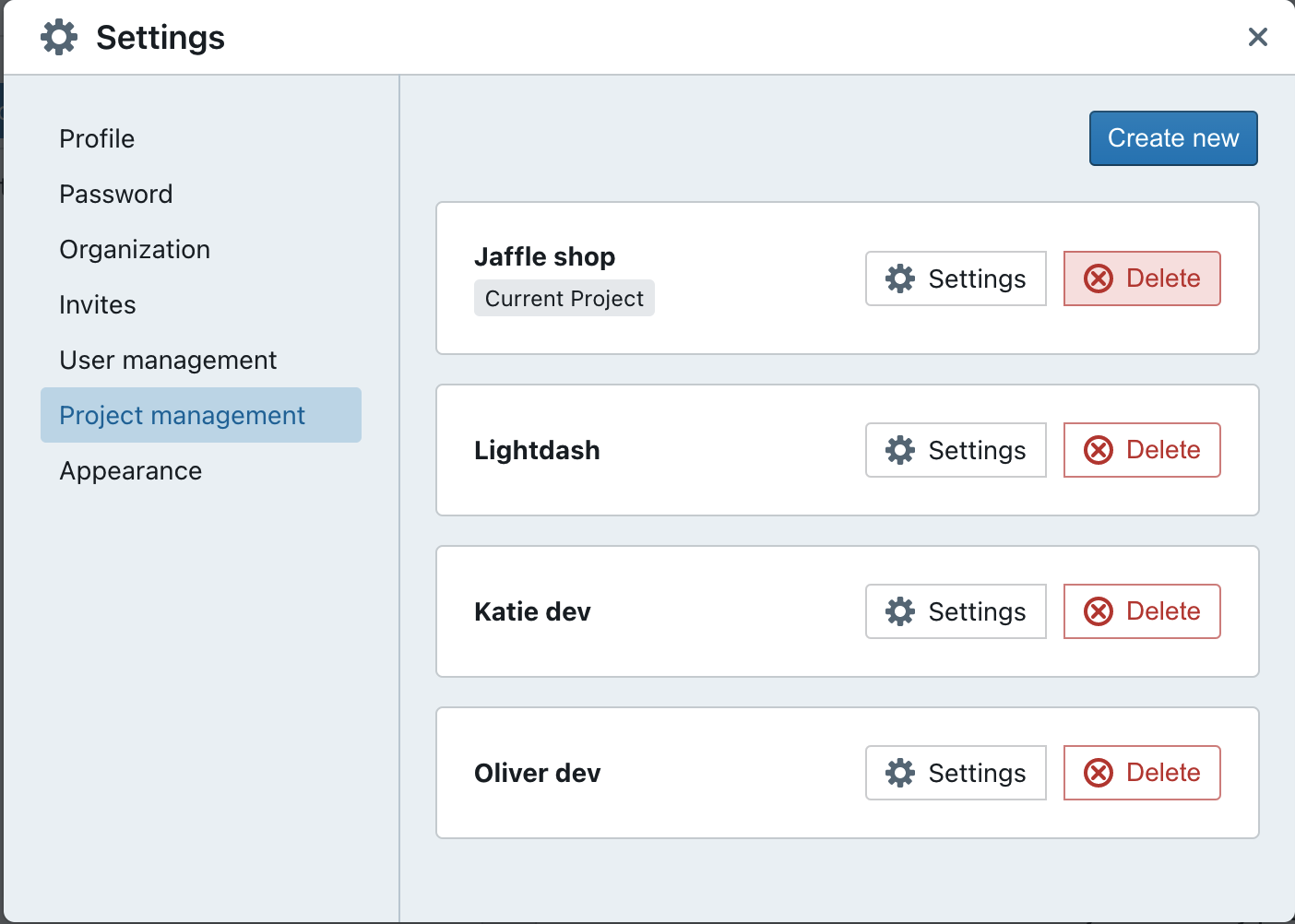
Only users with admin permissions can delete projects.